
Android apps that perform everywhere.
We design and build Android apps in Kotlin and Jetpack Compose, or in Flutter when you need iOS too, and ship them to Google Play for startups and growing businesses.
Planned, measured and built in milestones.
Android app development services, end to end.
One team covers product thinking, design, engineering and Google Play release, so nothing gets lost between handoffs.
Custom Android app development
Native apps in Kotlin and Jetpack Compose, built on a clean architecture that stays fast as features grow.
Android UI/UX design
Material 3 interfaces with dynamic color, prototyped in Figma and tested on small, large and foldable screens.
Mobile app design servicesAndroid MVP development
A focused first release that proves the idea with real users on Google Play, scoped so you can launch in weeks.
Cross-platform with Flutter
One codebase for Android and iOS when budget and timing matter, with native Kotlin modules wherever the platform needs them.
Flutter app developmentApp modernization
Migrate Java and XML layouts to Kotlin and Compose, raise the target API level, and fix crashes, ANRs and battery drain.
Maintenance & dedicated developers
Ongoing updates, Android version upgrades and monitoring, or a dedicated Android developer embedded in your team.
Hire an Android developerNative Kotlin or Flutter? We'll tell you honestly.
We ship both. The right choice depends on your users, your budget and how deeply the app needs to use Android hardware.
| Native Android (Kotlin / Compose) | Cross-platform (Flutter) | |
|---|---|---|
| Best for | Apps that depend on Android hardware, background services, Wear OS, Android Auto or custom devices | Launching on Android and iOS together from one budget |
| Performance | The best possible, with direct access to Android APIs | Smooth 60–120 fps for most business and consumer apps |
| Platforms | Phones, tablets, foldables, Wear OS, TV, Auto | Android and iOS from one codebase, plus web if needed |
| Device fragmentation | Fine-grained control for low-end and older devices | Consistent rendering across devices out of the box |
| Cost to cover both stores | Higher, since iOS needs a separate build | Lower, with one team and one codebase |
Not sure yet? In the discovery call we look at your feature list and recommend a stack in writing before you commit.
One platform, every form factor.
Start on phones and extend to the screens your users actually own.
- PhonesEvery screen size, from budget to flagship
- TabletsAdaptive layouts and multi-pane views
- FoldablesPosture-aware layouts for fold and flip
- Wear OSTiles, complications and health tracking
- Android TVLean-back apps for media and streaming
- Android AutoMedia, messaging and navigation apps
Modern Android features, built in properly.
These are the APIs clients ask for most often, implemented the way Google Play policy expects.
Payments & subscriptions
Google Play Billing for digital goods and subscriptions, plus Google Pay, Stripe and Razorpay for everything else.
Health & fitness
Health Connect, device sensors and Wear OS, with clear permission prompts and privacy-first data handling.
On-device AI
ML Kit and Gemini Nano for private, on-device features, plus cloud LLM features from our AI team.
Maps & location
Google Maps, geofencing and foreground services that respect Android's battery limits.
Push & offline-first
Firebase Cloud Messaging, WorkManager background sync, and offline storage with Room or Drift.
Secure sign-in
Credential Manager, passkeys, Google Sign-In, biometrics and encrypted storage.
Built to pass Google Play review and stay compliant.
Google Play policy changes every year. We track every update, so we know what gets flagged and how to avoid it.
- Target API level kept current with Google Play's yearly requirement.
- Data safety form filled in accurately for your app and every SDK it uses.
- Testing tracks internal, closed and open testing, including the closed-test requirement for new personal developer accounts.
- Permissions kept to the minimum, with clear runtime prompts and declarations for sensitive ones.
- Account deletion offered in the app and through a web link, as Play policy requires.
- Android App Bundle signed with Play App Signing and kept small with R8 shrinking.
- Store listing screenshots, feature graphic and descriptions written to rank in Play search.
Android apps we build, by category.
From fitness to fintech, we've designed the screens, flows and integrations each category needs. Pick yours and we'll show you how we'd approach it.

Fitness & wellness
Workout tracking, activity rings, Health data and coaching plans.
Plan a fitness app →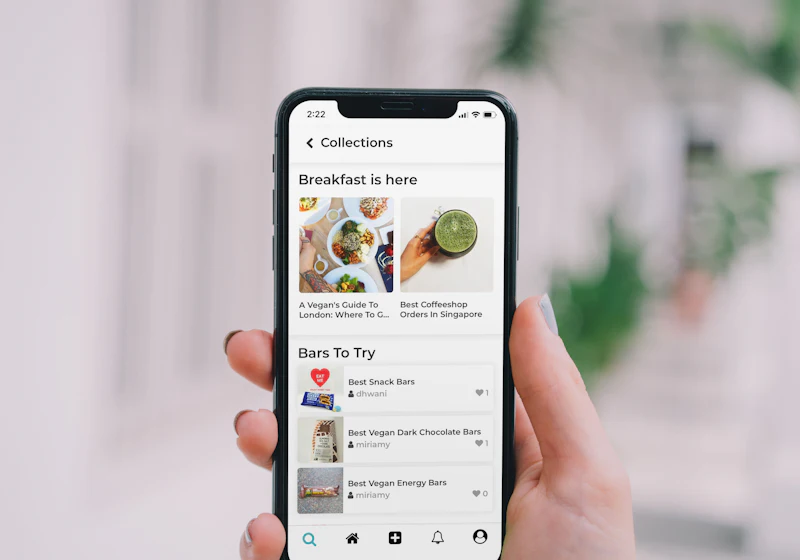
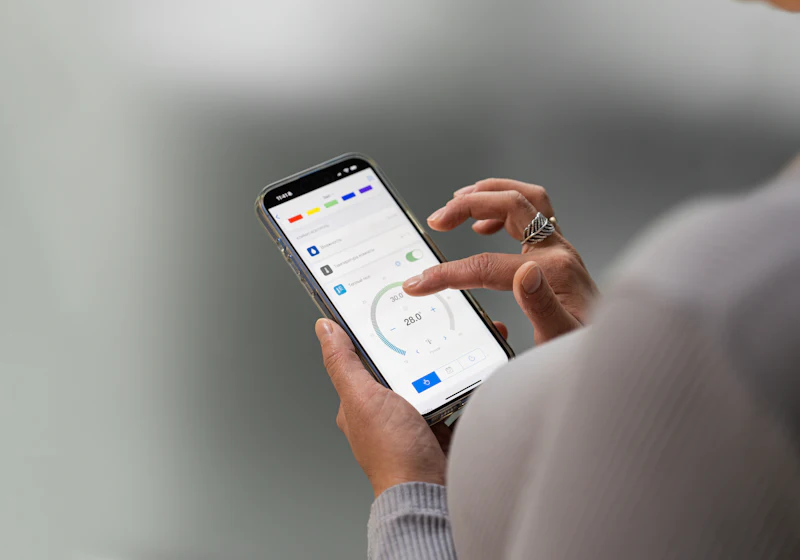

Healthcare & telemedicine
Appointments, video consults, records and reminders, built privacy-first.
Plan a healthcare app →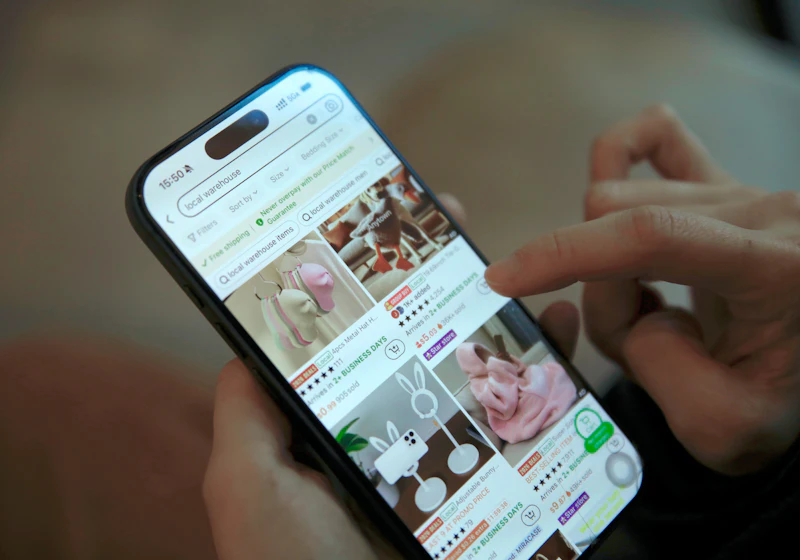
E-commerce & retail
Product catalogues, wishlists, checkout and loyalty programmes.
Plan a e-commerce app →
Real estate & property
Listings, saved searches, viewings, tenants and rent collection.
Plan a real estate app →

Education & e-learning
Courses, video lessons, quizzes, progress tracking and certificates.
Plan a education app →From idea to Google Play in five steps.
You see a working build at every milestone, not just on launch day. Every phase ends with something you can review, approve and use.
Discover
Agree who the app is for, the core journey, and what a successful first release looks like.
Scope, stack & estimateDesign
Wireframes and a clickable Material 3 prototype of the key screens, tested on a phone.
Figma prototypeBuild
Two-week sprints, each ending with a build on the internal testing track for you to review.
Working buildsTest
Testing across device sizes, Android versions and low-end hardware, with crash and ANR monitoring.
QA reportLaunch
Play Console setup, staged rollout and a plan for version 1.1.
Live app + roadmapWhat does an Android app cost?
It depends on what the app has to do. After a short call we send a written estimate split into milestones, so you know what each phase costs before we start.
- Number of screens and user roles affects design and build time more than anything else.
- Backend whether you need a custom API, an admin dashboard or an existing service such as Firebase or Supabase.
- Integrations payments, maps, health data, CRMs or your own systems.
- Devices phones only, or tablets, foldables and Wear OS as well.
- Launch scope starting with an MVP and adding features later usually lowers the first bill.
Android apps for the industries we know.
We start from how your customers or staff actually work, then shape the app around that.
Android app development questions.
How long does it take to build an Android app?
A focused MVP usually takes 8–12 weeks from approved design to Google Play release. Larger apps with custom backends, payments and admin panels take longer. We give you a milestone timeline with the estimate.
Should I build native Android or use Flutter?
Choose native Kotlin if your app relies heavily on Android hardware, background services, Wear OS or Android Auto. Choose Flutter if you need Android and iOS at launch on one budget. We recommend a stack in writing after discovery.
Do you publish the app on Google Play?
Yes. We set up the Play Console listing, run internal and closed testing, complete the data safety and content rating forms, and manage the staged rollout. The developer account stays in your company's name.
Will I own the source code?
Yes. The code lives in a repository you own, and all intellectual property transfers to you. Your Google Play, Firebase and other accounts are set up in your name from the start.
Can you take over or update an existing Android app?
Yes. We start with a code, crash and ANR review, raise the target API level to meet Play requirements, and then plan new features. We can also migrate Java and XML layouts to Kotlin and Compose step by step.
Will my app work on older and low-end phones?
Yes. We set a sensible minimum Android version for your audience, test on budget devices and keep the app size and memory use small.
Can you add AI features to my app?
Yes. We use ML Kit and on-device models for private, offline features, and connect cloud models for chat, search and automation through our AI services team.
Do you work with clients outside India?
Yes. We work with clients worldwide, overlap with US, UK and European working hours, and send written progress updates every week.
Have an Android app idea? Let's scope it.
Tell us who the app is for and what it needs to do. We'll come back with a recommended stack, a milestone plan and an estimate, with no obligation.